A small gesture, directed with motion
Runway · Gen-4.5
Before you start
Requires a Runway account on Standard or higher. Gen-4.5 consumes credits; confirm the duration and charge before generating.
Free for commercial use · Credit SwimInAIPacks require a free Swimmer account.
The workflow
- Choose one actor and download a front-view image. Single images need no Swimmer account; a starter pack needs a free account. Keep the supplied credit information.
- In Runway, choose the video tool and add the actor picture. Choose an image-to-video model your account can use.
- Paste the motion prompt below. Keep the input framing and choose a short duration. Review the credit cost and generate one clip.
- Compare the result with the reference: face, hair, clothing and hands. Save the original output only when it fits your scene, and add the required SwimInAI credit. A prompt cannot guarantee identity consistency.
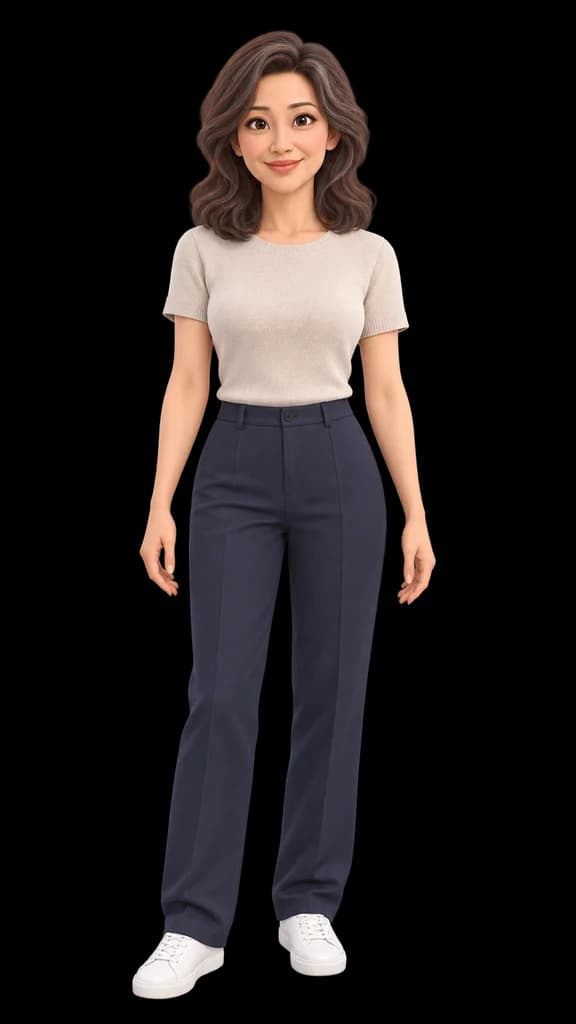
The animated character gives one small friendly wave, then lowers the hand. Gentle breathing. The camera is locked off. Keep the original framing, face, hairstyle, clothing and animation style. One continuous shot.
Check the result
Describe what moves rather than rewriting the picture. Reduce the number of actions if hands or faces drift; compare the entire clip, not just its first frame.
Results can look different each time. Check the face, hair, hands and outfit before using one.
Opens another site. Its account, usage limits and charges are separate from Swimmer.